The Glitch Lab Escapades
A journey through the chaos of home networking & more
Overview
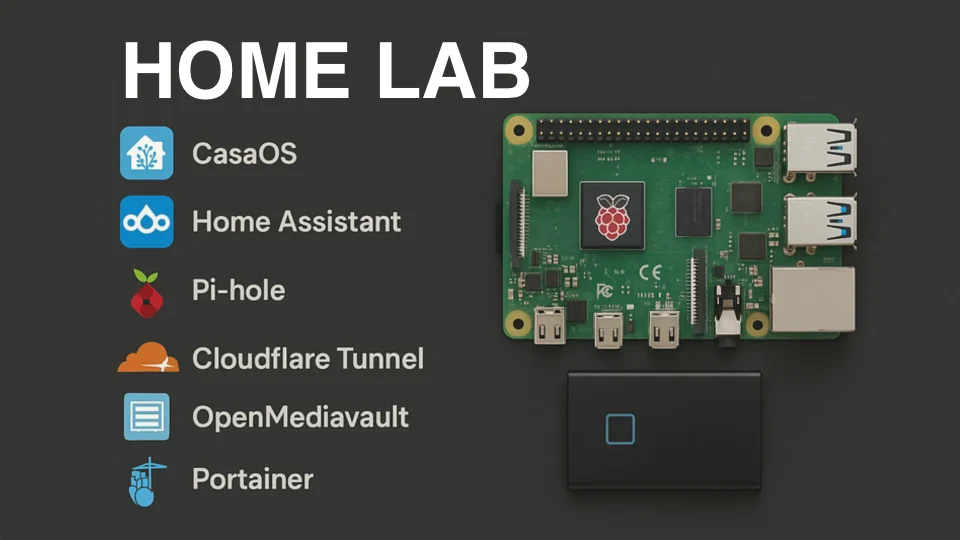
Hey there! It’s been a while since I first started tinkering with my local NAS setup on a Raspberry Pi 5, and after countless tweaks, tests, and improvements, I feel like its stable enough, where I feel confident enough to share the entire setup with you.
Steps I followed:
- Flashing Raspberry Pi OS on a SD Card.
- Installing Open Media Vault on the Raspberry Pi.
- Configuring the NAS to run on external Samsung T7 Touch SSD connected via USB.
- Installing Portainer on Open Media Vault.
- Installing the Docker Image of Next Cloud through Portainer.
- Configuring Cloudflare Tunnel to host my Next Cloud to the Internet.
Additional Information:
- I am powering the ••Raspberry Pi 5** with the official 27 Watt Power Supply.
- Using the Active Cooler to ensure ample cooling.
- Running the OS directly from a SanDisk microSD card.
- Formatted the external SSD into ext4 format.
- Installed Open Media Vault
- Enabled additional options in Open Media Vault
- Installed Portainer
- Installed Next Cloud via Docker Compose using the following configuration file:
- OpenMediaVault running on Raspberry Pi 5 with external Samsung T7 Touch USB SSDVarious Docker containers running on PortainerNextCloud docker container running on PortainerNextCloud homeAccessing files on NextCloud through the web interfaceNextCloud application on iOS accessing Local NAS through the Internet
Docker Compose yaml file for installing NextCloud in Portainer
services:
  nextcloud:
    image: ghcr.io/linuxserver/nextcloud
    container_name: nextcloud
    environment:
      - PUID=1000
      - PGID=100
      - TZ=Asia/Kolkata
    volumes:
      - /srv/dev-disk-by-uuid-2b259db0-aefe-4a98-9836-e831aac58ea9/secarc_shared/appdata/nextcloud/config:/config
      - /srv/dev-disk-by-uuid-2b259db0-aefe-4a98-9836-e831aac58ea9/secarc_shared/appdata/nextcloud/data:/data
    depends_on:
      - mariadb
    ports:
      - 450:80  # Expose Nextcloud directly on port 450
    restart: unless-stopped

  mariadb:
    image: ghcr.io/linuxserver/mariadb
    container_name: nextclouddb
    environment:
      - PUID=1000
      - PGID=100
      - MYSQL_ROOT_PASSWORD=mysql_password
      - TZ=Asia/Kolkata
    volumes:
      - /srv/dev-disk-by-uuid-2b259db0-aefe-4a98-9836-e831aac58ea9/secarc_shared/appdata/nextclouddb:/config
    restart: unless-stopped
Future Plans
- Integrating Raspberry Pi M.2 Dual SSD HAT.
- Running the Raspberry Pi OS on the SSD instead of the SD Card